Made for Notion

Made for Notion

A Collaborative Project
Management System

A Collaborative Project
Management System

A Collaborative Project
Management System

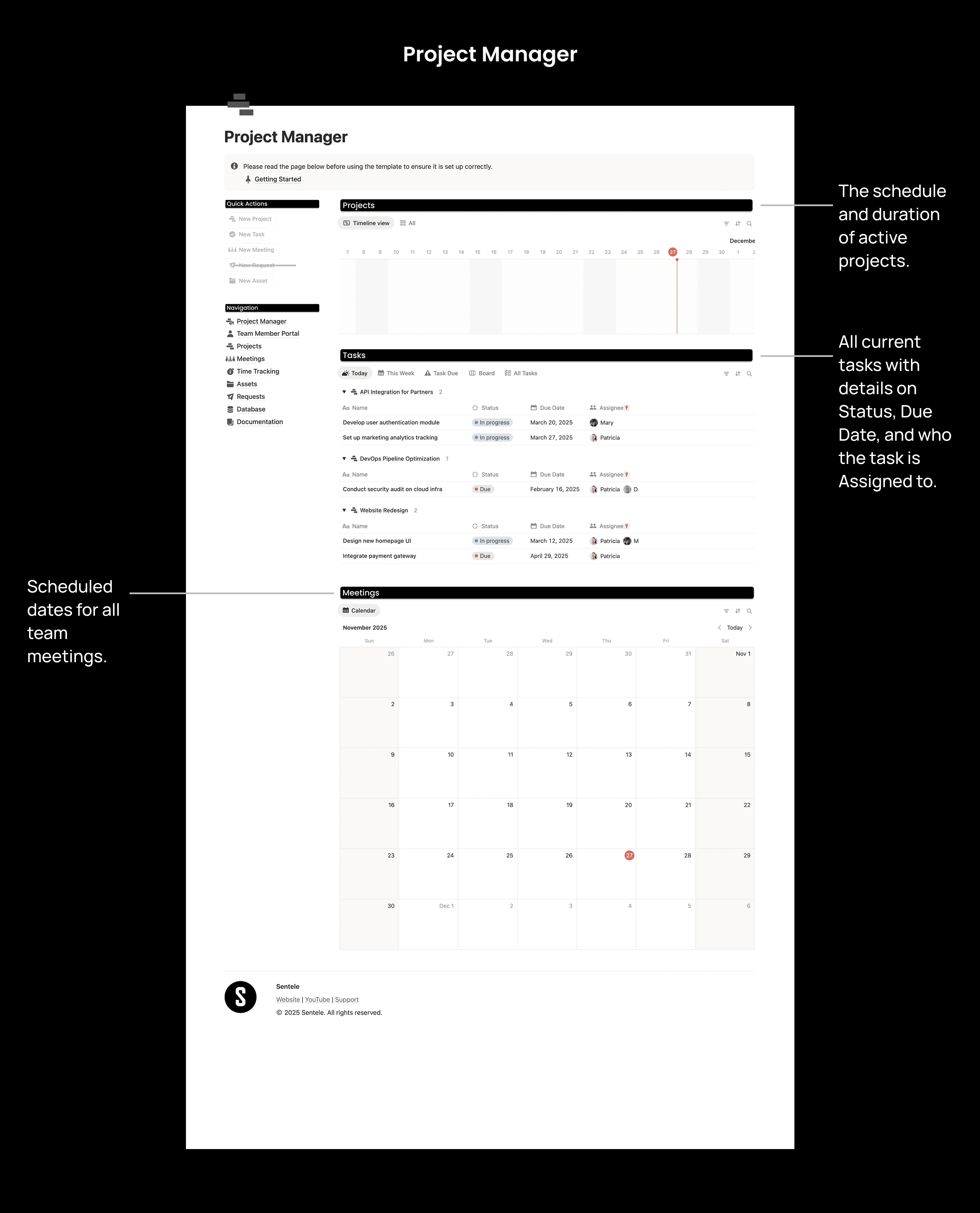
Project Manager is a Notion System Designed to Streamline Project Management with Team Collaboration.

Get Instant Access

20+ users

Features

Features

Features

Features That You Have Never Seen in Notion

Features That You Have Never Seen in Notion

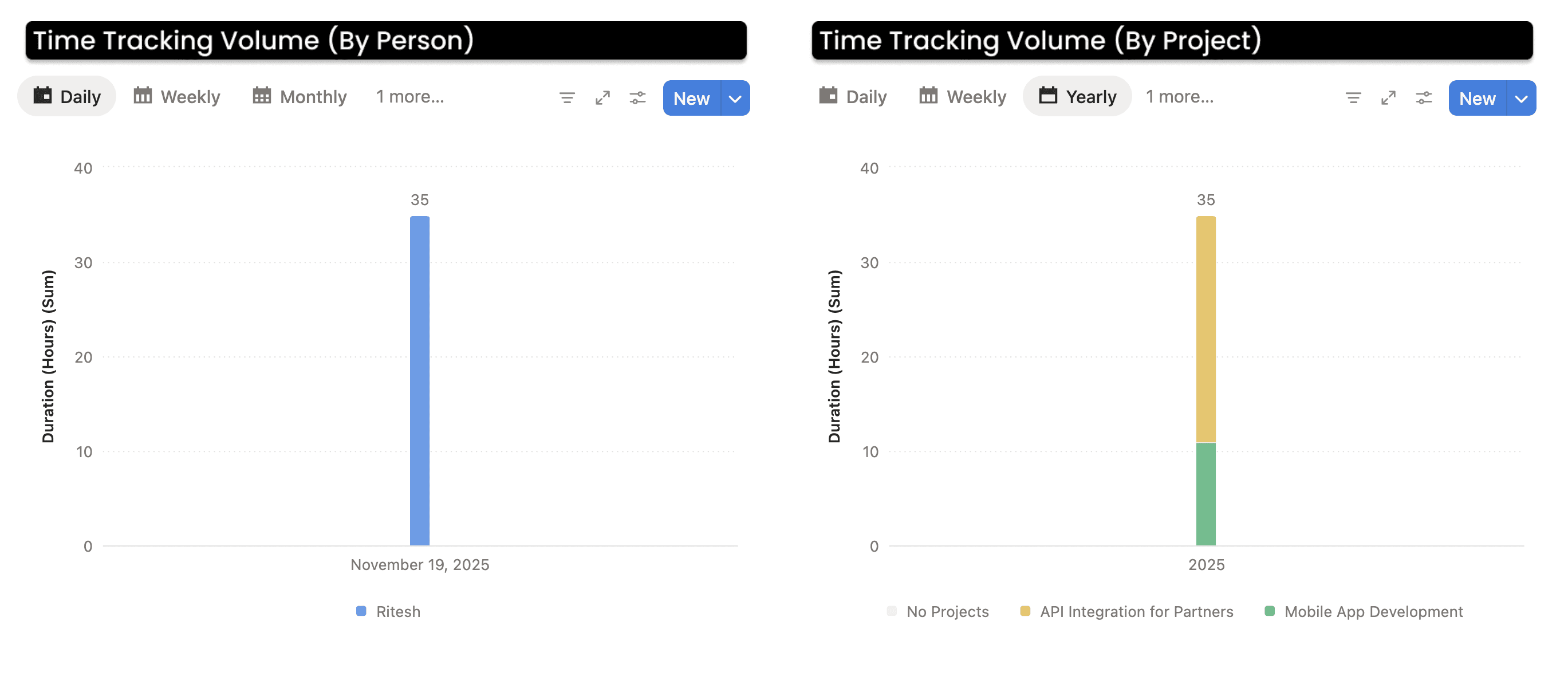
Every Hour Accounted for, Every Project on Track

Track time effortlessly across all your projects with multiple viewing options. The time tracking system provides daily, weekly, and project-specific views, allowing you to monitor hours spent, analyze time allocation, and ensure accurate billing. With integrated project connections, you can see exactly where your team's time is going and make data-driven decisions about resource allocation.
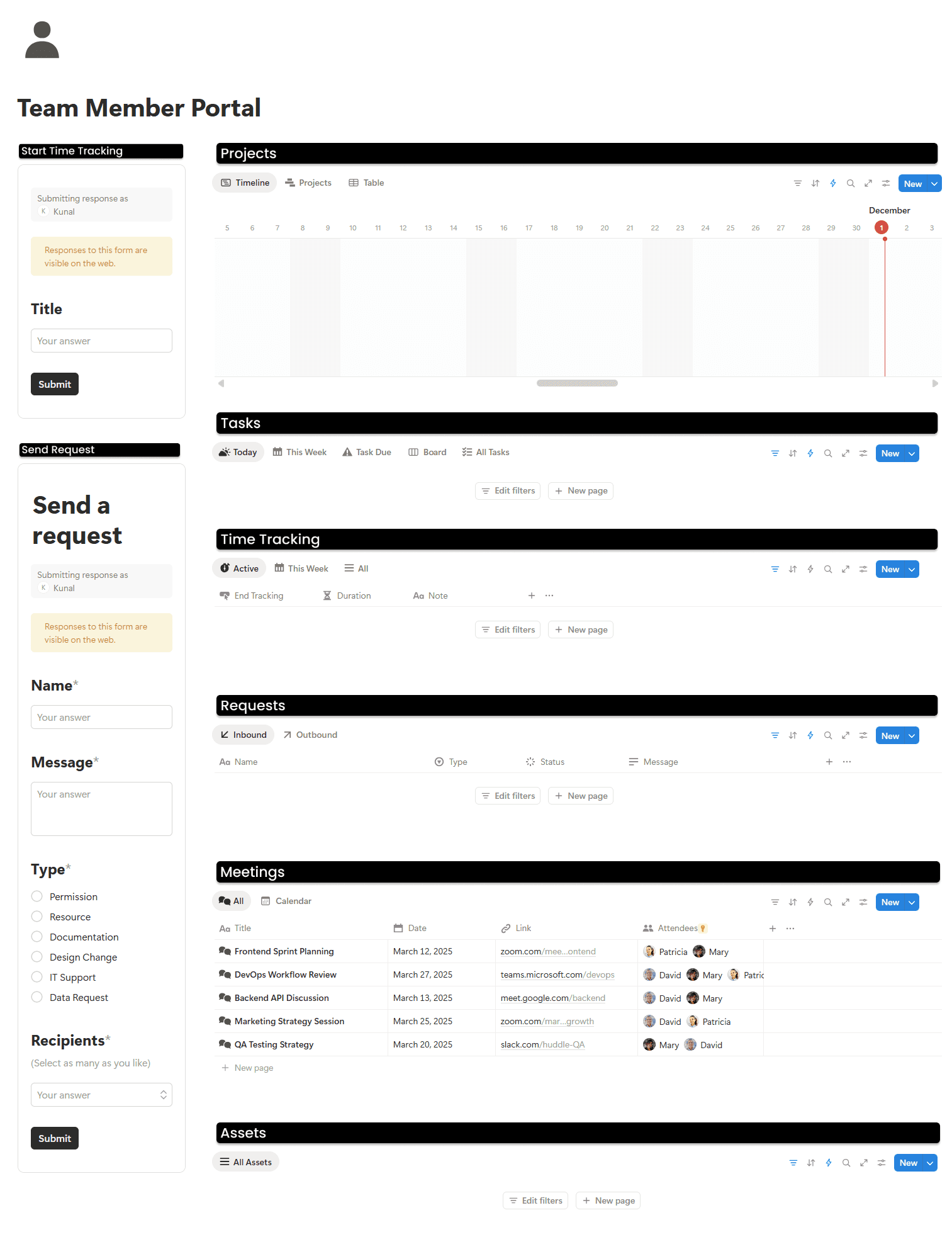
A Personalized Portal for Team Members

Give every team member their own dedicated workspace to manage their responsibilities. The Team Member Portal brings together everything an individual needs in one place: assigned projects, personal tasks, time entries, submitted requests, upcoming meetings, and allocated assets.
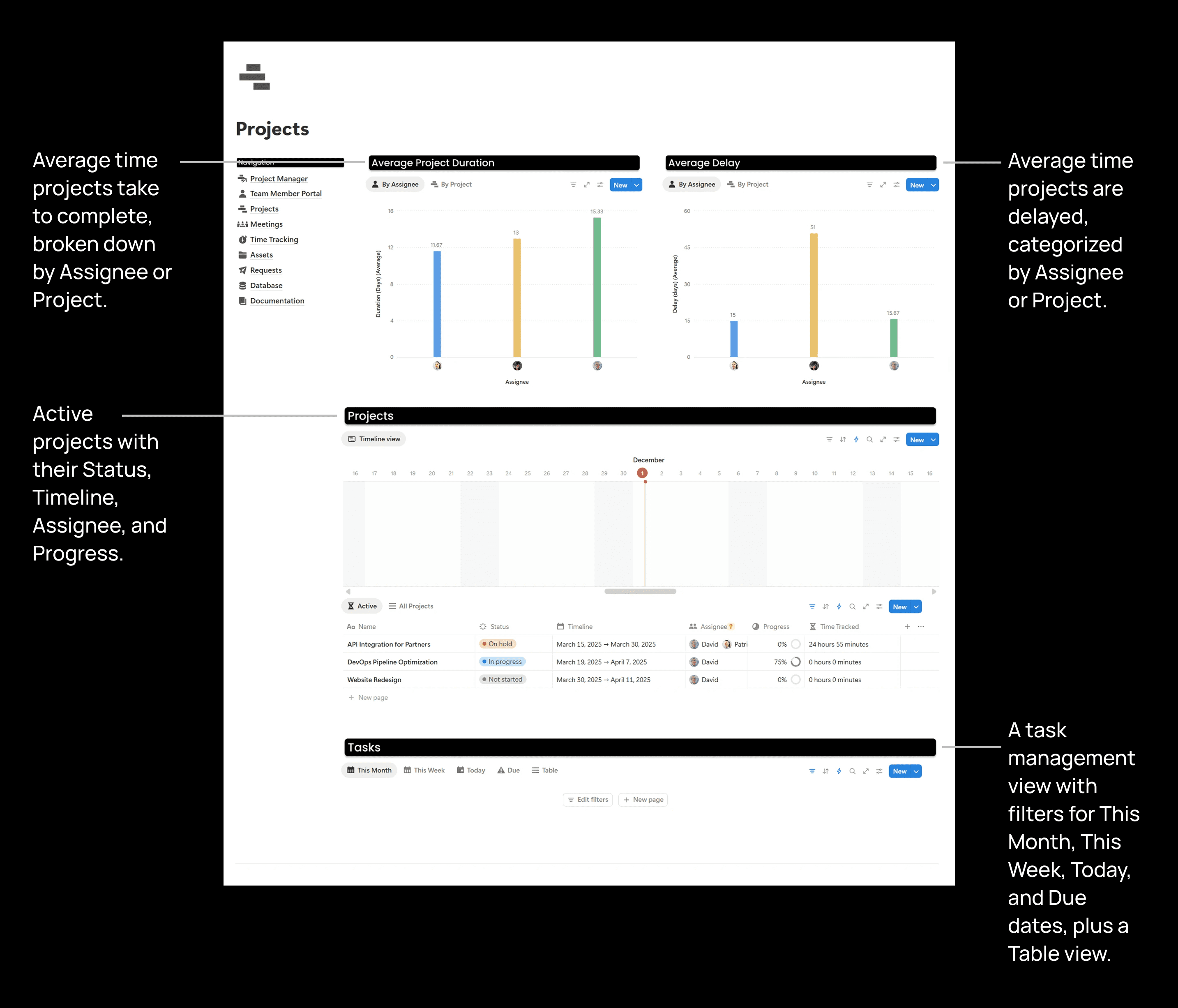
What's inside

What's inside

What's inside

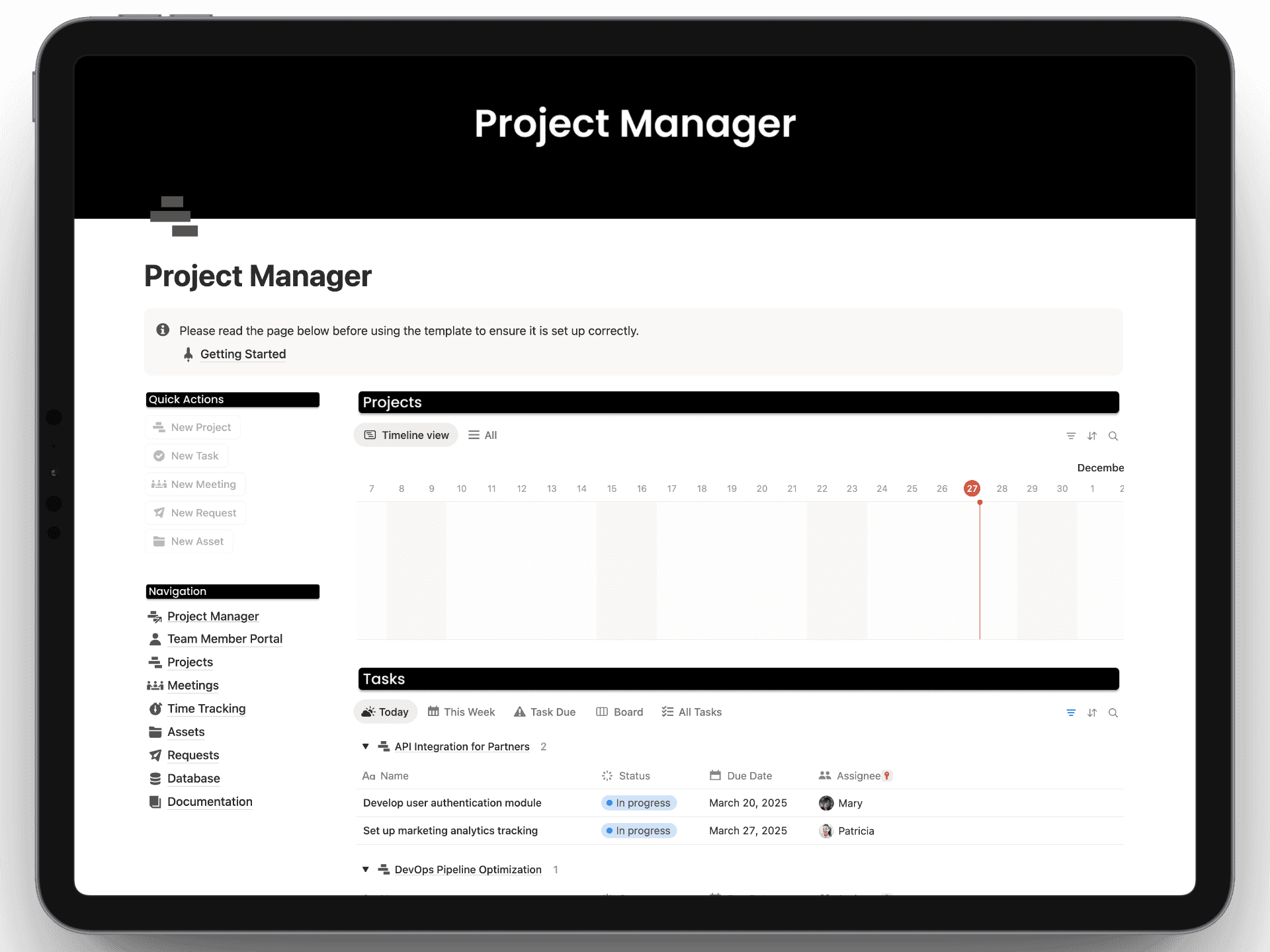
The Homepage

The Homepage

The Homepage

Projects

Projects

Projects

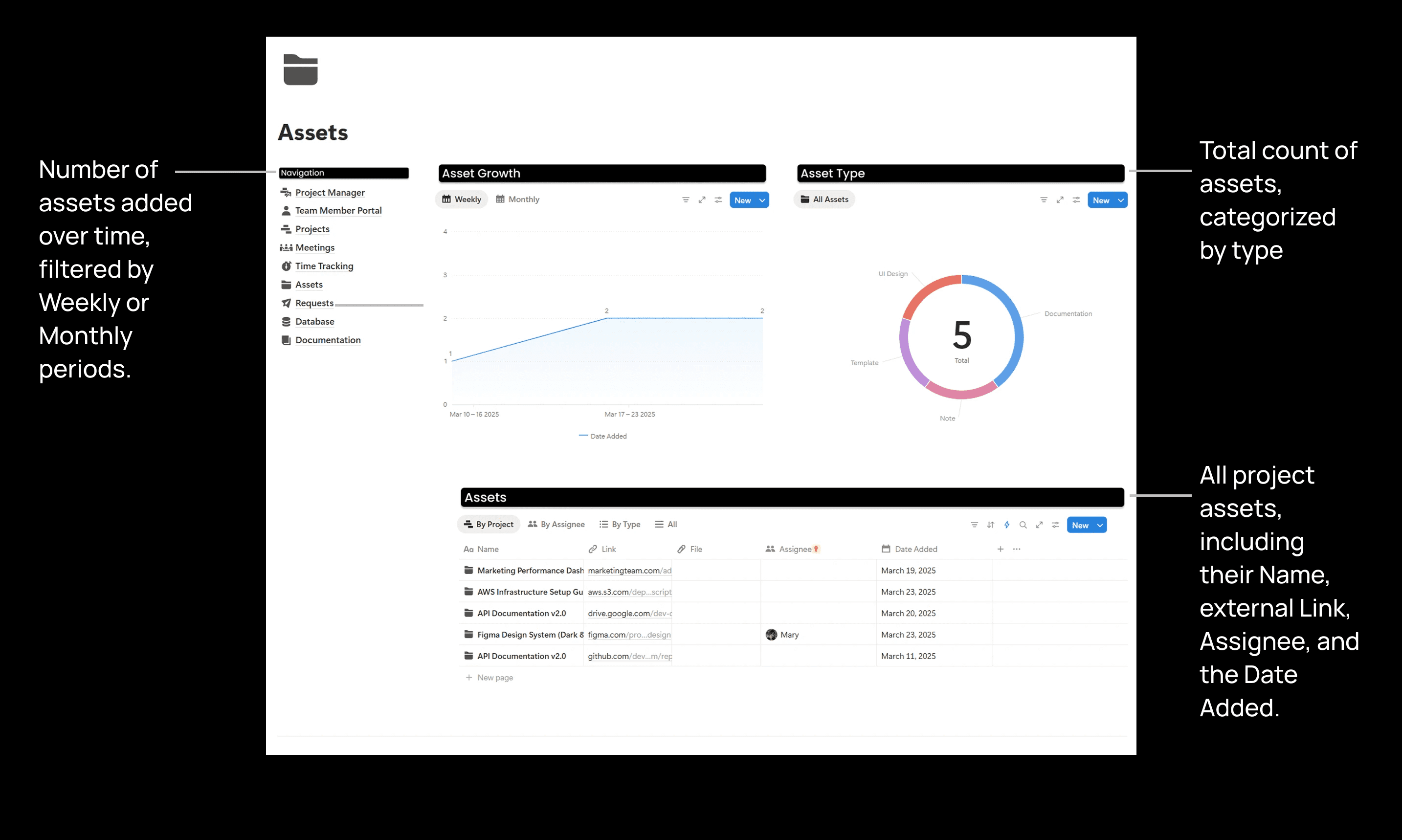
Assets

Assets

Assets

Additional Pages

Additional Pages

Additional Pages

Beyond the Surface

Beyond the Surface

Beyond the Surface

Team Member Portal

Team Member Portal

Team Member Portal

Requests

Requests

Requests

Time Tracking

Time Tracking

Time Tracking

And Much More..

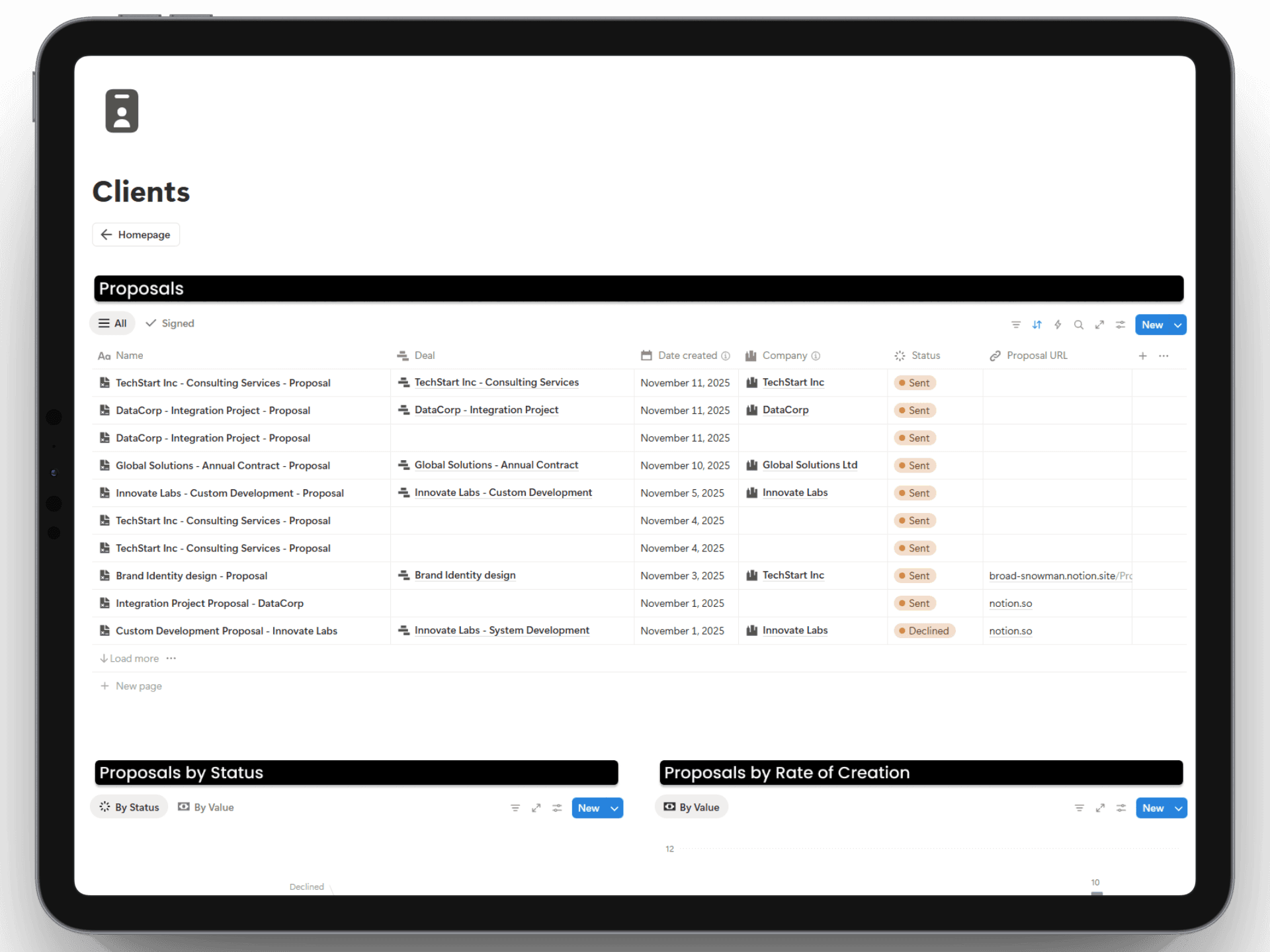
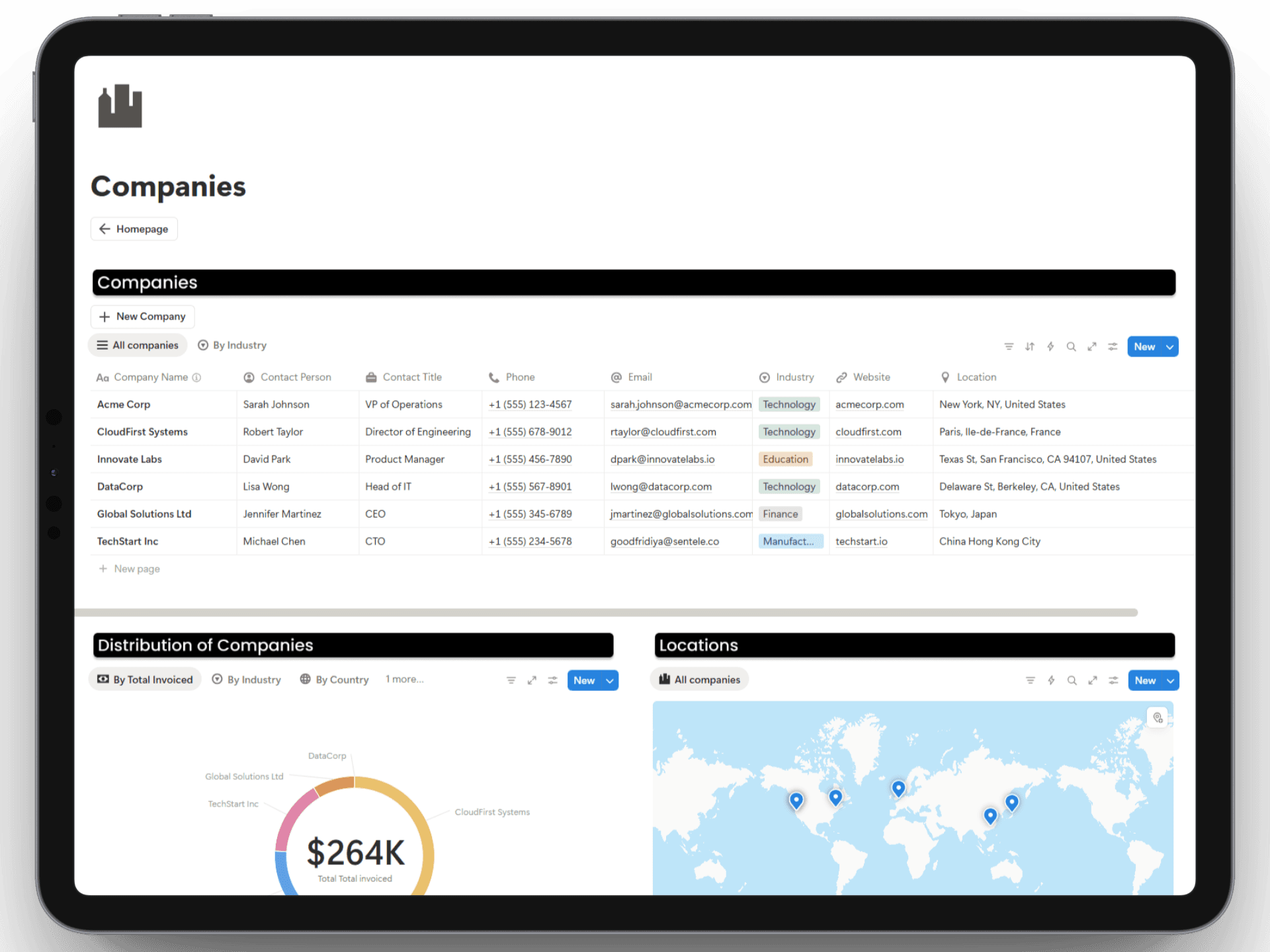
It further includes database page templates for storing detailed records.

Get Instant Access

Additional Resources

Additional Resources

Additional Resources

Support That Lasts

Setup & Documentation

Videos and Pages are included to get you started and make the best use of the template.

Unlimited free updates

You will receive updates on templates with no extra cost.

Get ongoing support

We'll be providing ongoing support for any help or questions regarding our template.

Pricing

Pay once, use forever

Project Manager

$49

$49

$49

Project Manager

Project Manager

Project Manager

Finance Manager

Finance Manager

Finance Manager

Sales Manager

Sales Manager

Sales Manager

HR Manager

HR Manager

HR Manager

Marketing Manager

Marketing Manager

Marketing Manager

Ecommerce Manager

Ecommerce Manager

Ecommerce Manager

Operations Manager

Operations Manager

Operations Manager

Fundraising Tracker

Fundraising Tracker

Fundraising Tracker

Upcoming New Templates

Upcoming New Templates

Upcoming New Templates

Business Bundle

$199

$199

$199

$512

60% OFF

Project Manager

Project Manager

Project Manager

Finance Manager

Finance Manager

Finance Manager

Sales Manager

Sales Manager

Sales Manager

HR Manager

HR Manager

HR Manager

Marketing Manager

Marketing Manager

Marketing Manager

Ecommerce Manager

Ecommerce Manager

Ecommerce Manager

Operations Manager

Operations Manager

Operations Manager

Fundraising Tracker

Fundraising Tracker

Fundraising Tracker

Upcoming New Templates

Upcoming New Templates

Upcoming New Templates

FAQs

FAQs

FAQs

We’ve got the answers

We’ve got the answers

We’ve got the answers

How do I get the template after purchasing?

After purchasing the template, you will receive a link to the template. You can click on the duplicate button on the top-right corner to duplicate the template into your Notion workspace.

Is there a recurring fee for this?

What is Notion?

Do I need Notion's paid plan for this template?

Is there a refund policy?

Have any more questions?

How do I get the template after purchasing?

After purchasing the template, you will receive a link to the template. You can click on the duplicate button on the top-right corner to duplicate the template into your Notion workspace.

Is there a recurring fee for this?

What is Notion?

Do I need Notion's paid plan for this template?

Is there a refund policy?

Have any more questions?

How do I get the template after purchasing?

After purchasing the template, you will receive a link to the template. You can click on the duplicate button on the top-right corner to duplicate the template into your Notion workspace.

Is there a recurring fee for this?

What is Notion?

Do I need Notion's paid plan for this template?

Is there a refund policy?

Have any more questions?

Still have more questions? Contact our support team.

Still have more questions? Contact our support team.